Credit Evaluation tab
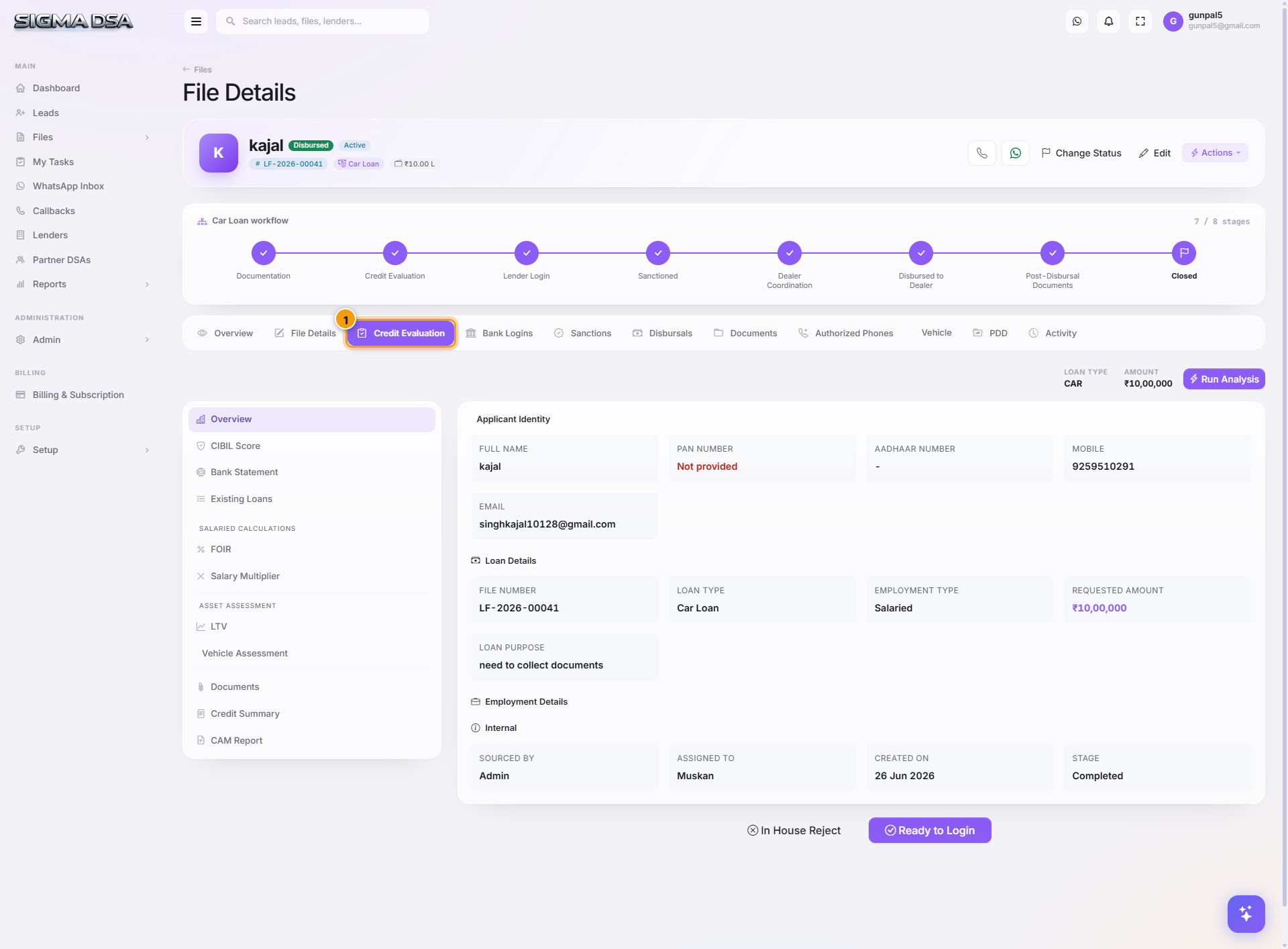
Tour of the Credit Evaluation tab — FOIR/DSCR calculations, existing loan obligations, AI Bank Statement Analyzer output, and lender-matching scores.
The Credit Evaluation tab is where the AI Employee does its work. Every income document, bank statement, and obligation entered on the file rolls up here into a single credit picture — FOIR, DSCR, eligibility, and which lenders the file is likely to fit.
What's on the tab
The tab groups the analysis into logical sections:
1. Income summary
- Gross monthly income — pulled from salary slips (Salaried) or computed from bank statements + GST returns (Self-Employed).
- Net take-home — after statutory deductions.
- Other income — rental, dividends, interest, etc.
- Existing EMIs — sum of running loan EMIs from the Existing Obligations card on File Details + EMIs the BSA detected in the bank statement.
2. FOIR (Fixed Obligations to Income Ratio)
FOIR = (Existing EMIs + Proposed EMI) / Net Monthly Income × 100
Banks typically want FOIR under 50–60%. SigmaDSA computes FOIR for the requested EMI and shows whether the file is within each lender's tolerance.
3. DSCR (Debt Service Coverage Ratio) — Self-Employed / Business loans
DSCR = Net Operating Income / Total Debt Service
A DSCR above 1.5× is usually safe for term loans, above 1.25× for working capital. SigmaDSA pulls operating income from GST + ITR data and total debt service from BSA + obligations.
4. Bank Statement Analysis
Output of the AI Employee's automatic statement parsing:
- Average monthly inflow — across the past 6/12 months.
- Average monthly outflow — EMI + UPI + cards + cash withdrawals.
- Salary credits detected — date/amount/source bank.
- Existing EMIs detected — auto-matched to loan accounts.
- Bounce count — cheque/ECS/auto-debit failures (red flag for lenders).
- Average balance — useful for cash-flow loans.
5. CIBIL / Credit Bureau
If the tenant has CIBIL integration enabled:
- CIBIL Score — the applicant's bureau score.
- Active loans — running tradelines pulled from CIBIL.
- Defaults / late payments — flagged with severity.
- Inquiries — recent loan applications.
6. Lender matching
The system runs each panel lender's eligibility rules against this file's profile and shows:
- Lender name.
- Pass / Marginal / Fail verdict per rule (FOIR cap, minimum salary, employment tenure, etc.).
- Estimated approved amount if the lender accepts.
- One-click "Add to Bank Logins" to submit.
Common flows from this tab
- File doesn't fit a lender — the matching panel will show Fail — FOIR exceeds 55% cap. Reduce the requested amount or extend tenure to bring FOIR down.
- Bank Statement Analyzer output looks wrong → go to Documents → find the bank statement → Re-extract. Re-extracting also re-runs BSA.
- Want to use a different CIBIL score — admins can override the bureau score on the File Details tab if the bureau pull was stale.
Next steps
File Details tab
The File Details tab is the full edit page for a file — applicant identity, co-applicants, employment, address, property or vehicle, existing obligations, and file settings.
Bank Logins tab
Tour of the Bank Logins tab on the file detail page — per-lender submission rows, status, RM contact, query threads, and how to add or sanction directly from this tab.