FilesTour of file details page
Disbursals tab
Tour of the Disbursals tab — every disbursal event on the file with date, amount, commission earned, mode, and supporting reference.
The Disbursals tab records every disbursal event — the actual money moving from the lender to the customer. Most loans have a single disbursal, but multi-tranche loans (under-construction homes, working-capital limits) can have several.
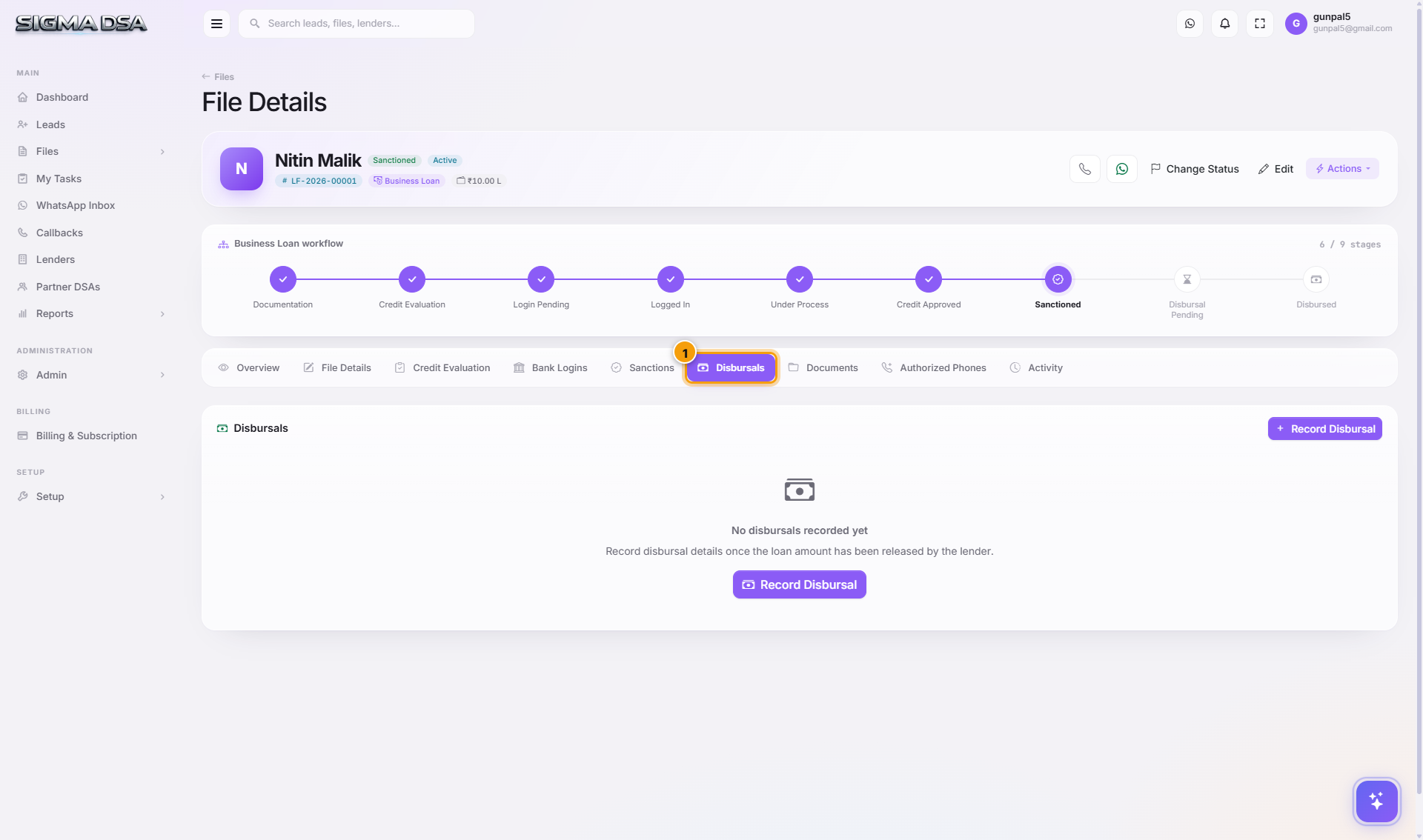
What's on the tab
- Add Disbursal button at the top-right (also accessible via Actions menu) opens the Disbursal modal.
- One row per disbursal event with: Disbursal Date, Disbursed Amount, Mode (NEFT / RTGS / Cheque), Disbursal Reference (UTR / cheque number), Commission %, Commission Amount, Status, and any notes.
- Per-row actions — Edit, Delete (if entered in error).
Disbursal fields explained
| Field | What it captures |
|---|---|
| Disbursal Date | The actual transfer date (not when you logged it). |
| Disbursed Amount | ₹ moved. Can be less than sanctioned for first tranches. |
| Mode | NEFT / RTGS / Cheque / DD — used for reconciliation. |
| Reference | UTR number (for digital transfers) or cheque number (for physical). |
| Commission % | Your payout rate. Default comes from your lender setup. |
| Commission Amount | Disbursed × Commission % / 100 — auto-computed but editable for one-off splits. |
| Status | Pending → Received once commission is in your account. |
When a disbursal is recorded
- File's stage changes to Disbursed if this is the first disbursal.
- Commission rollup on the dashboard updates with the new amount.
- A commission invoice line is generated for the partner DSA / connector if the file was sourced through one.
- The applicant receives an SMS/email confirmation (if templated alerts are on).
Common flows from this tab
- Bank disbursed yesterday → Actions menu on file → Disbursal → fill the modal → row appears here.
- Commission not received yet → row stays Pending. Update to Received once the bank credits your account.
- Multi-tranche loan → each tranche is a separate disbursal record. Total disbursed = sum of all rows.
Next steps
Sanctions tab
Tour of the Sanctions tab — every sanction letter received on the file with amount, lender, ROI, tenure, conditions, and acceptance status.
Documents tab
Tour of the Documents tab — every KYC, income, and property document uploaded to the file, with OCR-extracted fields and per-bank export.