GST section
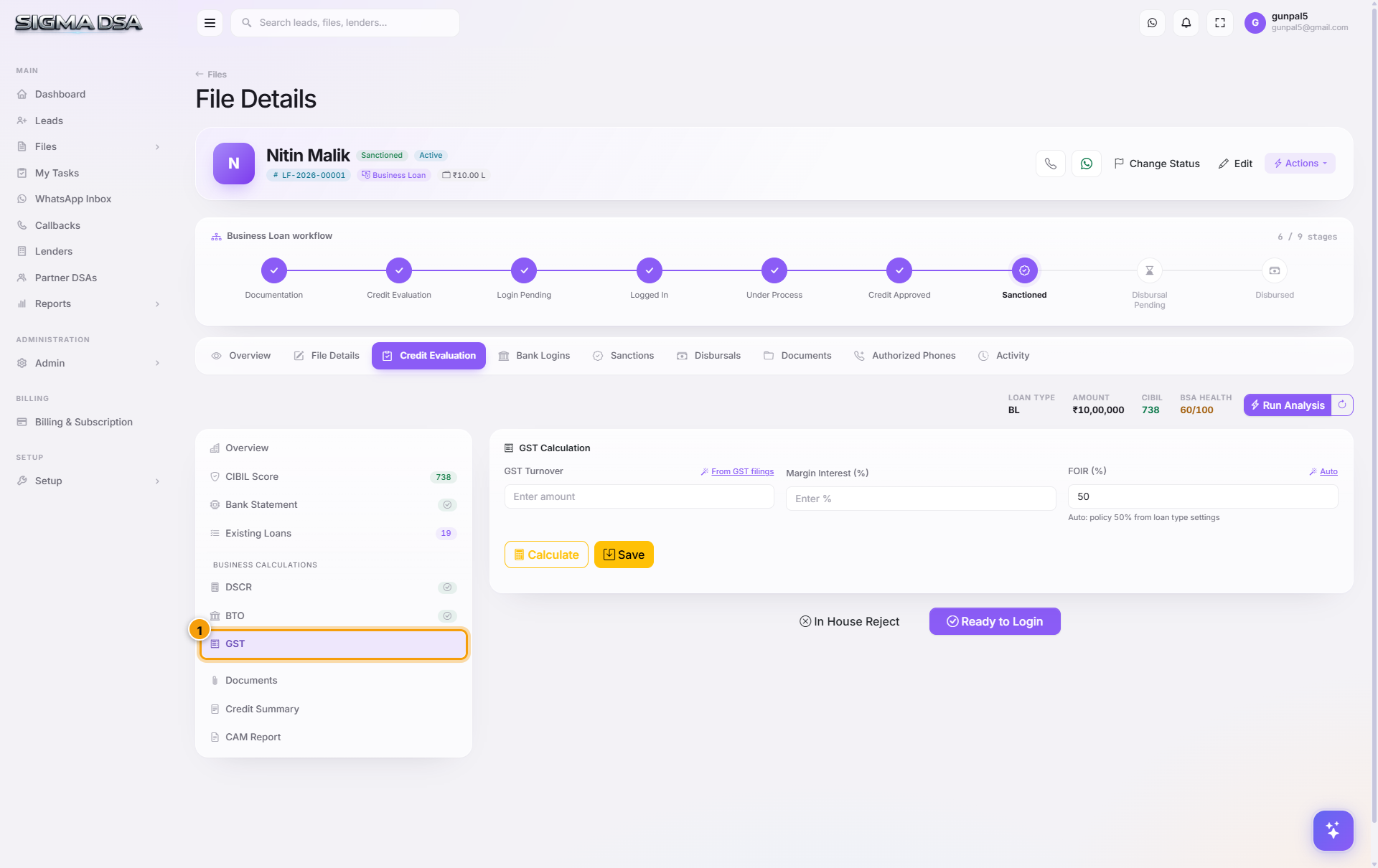
The GST section of the Credit Evaluation editor — GST returns analysis covering annual + 12-month turnover, tax paid, and filing consistency. Used for self-employed and business loans.
The GST section captures GST-returns-based revenue for businesses. It's the third triangulation point (after DSCR and BTO) — and the one that's hardest for an applicant to manipulate, because GST data is filed monthly with the government.
What's on the section
GSTIN and registration
- GSTIN — the 15-character GST Identification Number. Pulled from the Overview section if entered there.
- Registration Date — when the GSTIN was issued (vintage matters — lenders prefer ≥ 2 years).
- Registration Type — Regular / Composition / SEZ / Casual.
- State — primary state of registration.
Turnover figures
- Annual Turnover (Last FY) — sum of taxable sales across the previous financial year.
- Turnover (Last 12 months) — rolling 12-month sum (may differ from FY).
- Average Monthly Turnover — for cash-flow loan products.
- Highest-month / Lowest-month turnover — seasonality indicator.
Tax & compliance
- Total GST Paid (last 12 months) — output GST paid net of input credit.
- GSTR-1 Filing Consistency — % of months filed on time over the last 12.
- GSTR-3B Filing Consistency — same, for the monthly summary return.
- Last Filed Return — date of most recent return filing.
- Pending Returns — count of returns due but not filed (red flag).
What lenders care about
| Signal | What it means |
|---|---|
| GST Turnover ≈ ITR Turnover ≈ BTO | Clean file — strong approval signal. |
| GSTR filing 100% consistent for 24+ months | Business is mature and disciplined. |
| GST turnover trending up | Lenders love growing businesses. |
| Frequent late filings | Cash-flow discipline issue — concern for term loans. |
| GSTIN under 12 months old | Many lenders have a min 24-month GST vintage rule. |
| Pending returns | Lender will require filing-up before approval. |
Pulling GST data
If your tenant has the GST integration enabled (currently in beta), click Pull GST in the section header — SigmaDSA calls the GSP API with the applicant's consent token and pulls the last 24 months of returns. The fields populate automatically.
Without the integration: upload the GSTR-1/GSTR-3B PDFs to the Documents tab. The AI Employee OCRs the summary pages and pre-fills the turnover + filing consistency fields here.
Common flows from this section
- Compare GST turnover to ITR / BTO — file a note in the Credit Summary if there's a > 20% mismatch.
- File pending returns before submission — if the section flags pending returns, ask the applicant's CA to file them before going to bank.
- For applicants without GST (composition scheme, sub-threshold turnover) — leave this section blank and rely on BTO and ITR figures in DSCR.
Next steps
BTO section
The BTO (Banking Turnover) section of the Credit Evaluation editor — credit/debit summation from bank statements + margin amount. Cross-validates the financials in the DSCR section.
Documents section (Credit Eval)
The Documents section within the Credit Evaluation editor — credit-eval-specific documents (ITRs, GST returns, bank statements, financials) that drive the other sections.